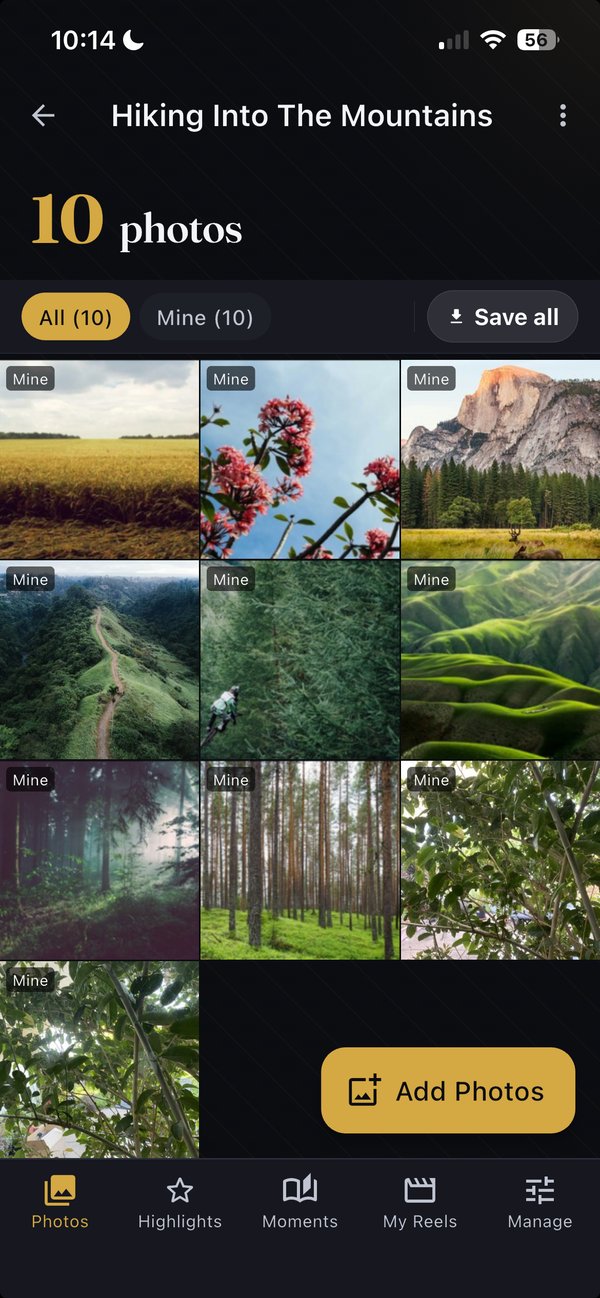
The friend who took the best shots, the cousin who took 200 of them, the parents with photos still in iCloud — all in one curated album. No more “send me your photos, please.” No more “same shot 6 times in the album.”
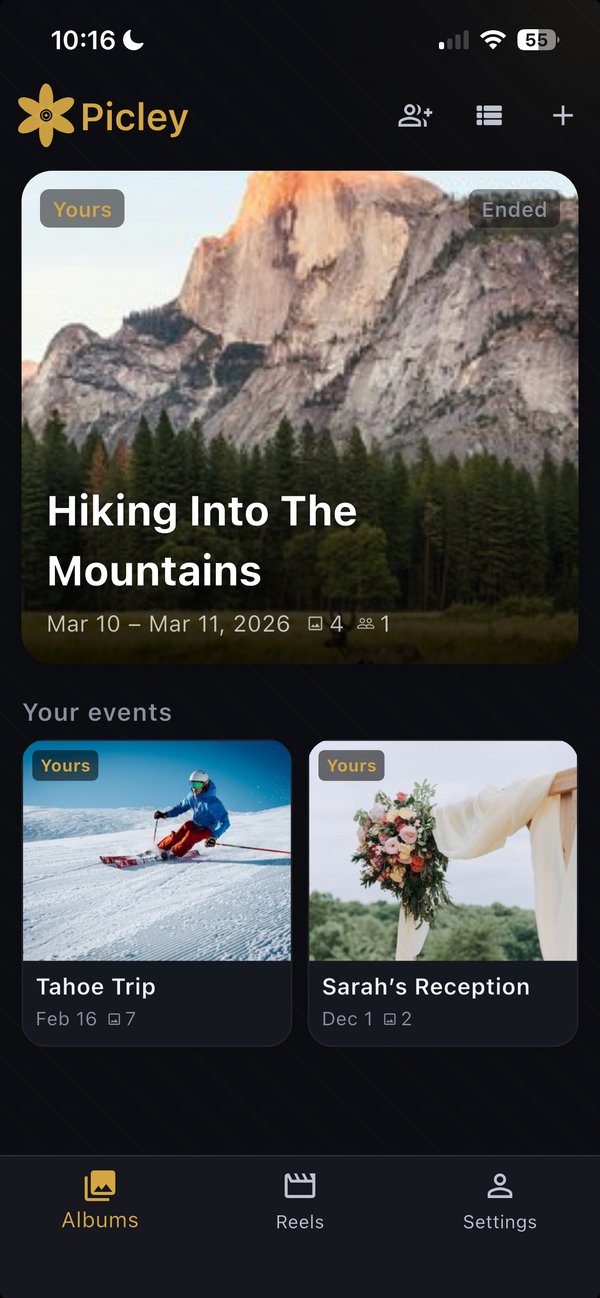
After my daughter's birthday, I had to text seven different people asking for the photos. Three sent them. The good ones the others took? Lost forever. There has to be a better way.
— Every host of every family event, ever
The shared album from the trip filled up to 200 photos in a week. I bookmarked it to ‘go through later.’ That was nine months ago. I haven't gone back, and neither has anyone else.
— The honest fate of every shared album
We made a Google Photos album for the wedding. Two months later, 312 photos sat there — half blurry, six angles of the same cake-cutting shot. The bride hadn't opened it. Neither had anyone else.
— What actually happens to shared albums
Three steps, no accounts required for guests, no awkward “please send me your photos” group chat.
Pick the event date. Picley gives you a private link. Send it to whoever was there — by text, WhatsApp, email, however you'd normally share. (You can add an optional event code if you want a second layer of protection.)
Guests open the link in their browser, type their name + email, and start picking photos. No password to remember. No app to install. (The iPhone app is optional — it just makes uploading faster.)
Picley quietly removes duplicates, drops blurry shots, picks the best ones, and groups bursts of photos by moment. You see one beautiful, finished album.
Things Google Photos and iCloud don't do — automatically and on your behalf.
From 247 photos uploaded, Picley shows you the best 60. Not “every photo organised” — the actual best ones. Open the app the day after your event and they're ready.
Duplicates: three people took the same shot — Picley keeps the sharpest. Blurry, badly-lit, eyes-closed shots: filtered out. Anything inappropriate (nudity, violence): blocked before anyone sees it. You can always see what was filtered and override if you disagree.
When several people captured the same moment from different angles, Picley clusters them together. Pick a different best shot if you disagree. The AI tries; you decide.
Camera Roll, Google Photos, Dropbox — one tap to send the curated album to your own storage. Pick originals (full phone resolution, untouched) or optimized (same look, smaller files). Either way, miles ahead of the compressed copies WhatsApp and iMessage send.
Pick photos, pick a music track, tap Generate. Picley renders a polished short video, ready to post.
Single photos or a finished reel — send straight to WhatsApp, iMessage, Instagram, or anywhere your iPhone's share sheet sends. No screenshots, no re-downloads.
Small gatherings, where the photos matter and the people are already friends.
Built like personal storage, run like a privacy product.
Picley stores your photos on private servers in Germany, under Europe's privacy laws — some of the strictest in the world. Photos travel encrypted (TLS 1.3) and sit encrypted on disk (AES-256). Only the people you invite to an album can see what's inside.
Full-resolution originals are deleted automatically 45 days after the event ends — a viewing-quality copy stays in the album so the memories don't disappear, but the high-res raw files are gone. We don't show ads, sell data, or train AI models on your photos. Delete your account anytime; your photos go with it.
Free. No subscription. Works in 30 seconds.
Download for iPhone →Android coming. Not on iPhone? Guests can still upload via the web link.